
Does Your AI-Assisted Writing Have the Style & Tone You Want?
This free easy-to-use and customizable toolkit lets you always get it right.

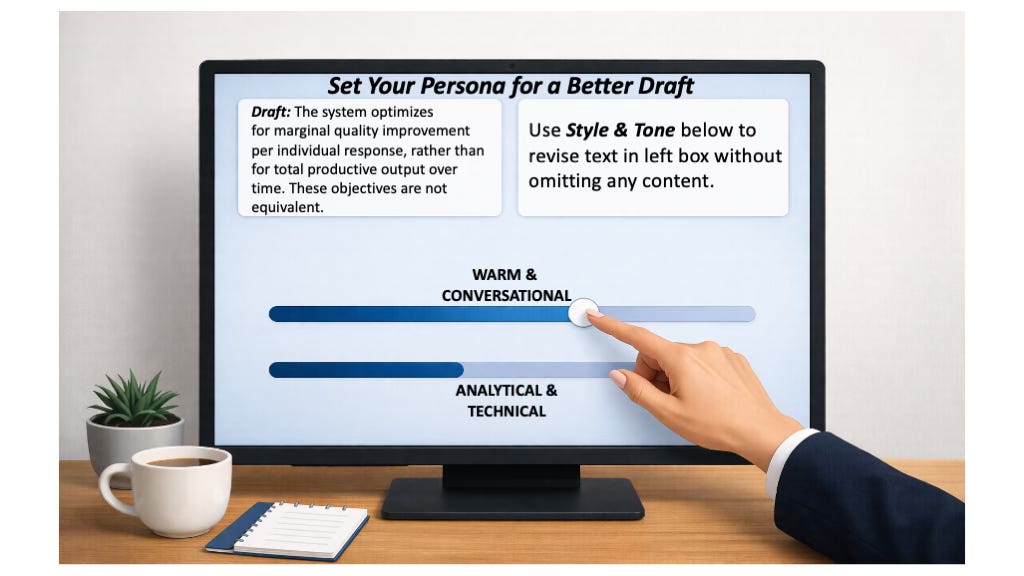
Is it hard for you to describe the just-right style & tone you want for your AI-generated writing tasks?
I’ll bet you know if it’s right when you read it.
StrictQuality.AI’s free and easy-to-use Style & Tone Toolkit lets you quickly generate an AI-assisted revision of your source writing in a new style & tone while preserving all the source’s content.
If the revision doesn’t have the style & tone you’re looking for then you can quickly generate a new draft with a different voice, still preserving all the original source’s content.
If you think this is helpful, consider subscribing to StrictQuality.AI to be notified of future posts.
The Toolkit works by defining writing modes, or Personas, that you give to your AI before it generates a draft. Each Persona tells the AI what kind of voice and tone you want it to use.
You can create as many different writing Personas as you want. It’s fun to experiment with different combinations.
Below are examples showing how I use two Personas that I have already defined:
ANALYTICAL & TECHNICAL
WARM & CONVERSATIONAL
Later in this article I’ll show you the template to paste into your chat box to define them.
First, here is a template of a typical prompt I use after I have manually drafted some sections of an Article in Progress:
Goal: Prepare high quality article about Overcoming Socio-Economic Injustice.
Context 1: Upload latest Introduction section [ Intro only v1.txt ]
Context 2: Upload latest Problem Overview section [ Problem overview only v1.txt ]
Context 3: Upload writing tone protocol [ changing AI tone without examples.txt ]
Task: Read Contexts 1-2 carefully. Integrate them using 65% ANALYTICAL & TECHNICAL, 35% WARM & CONVERSATIONAL writing tone to draft a new article that accomplishes Goal.
Constraint 1: Do not sacrifice substance for brevity in the new article.
Constraint 2: Use em dashes sparingly, if at all.
Constraint 3: Display the new article. Do not generate download.
Here are some more examples of prompts I use after I have already uploaded a source document to the chat box:
Example Prompt: Identify every distinct claim or informational element in the original document I uploaded. Rewrite the document using the 100% WARM & CONVERSATIONAL tone that I want. Verify that every identified claim from the original document still appears in the revision. If any claim is missing or altered, use the tone I want to revise the text until all original information is preserved. Call this revision with all original information preserved Version 1 and show it to me.
After reviewing the revision, if the tone is not exactly right I can quickly rebalance it. For example, I can apply two Personas to the same source:
Example Prompt: Forget the Version 1 revision you just did. Rewrite the original document I uploaded, applying a mix of 75% ANALYTICAL & TECHNICAL, 25% WARM & CONVERSATIONAL tone. Verify that every identified claim from the original document still appears in the revision. If any claim is missing or altered, revise the text using this tone mix until all original information is preserved. Call this revision with all original information preserved Version 2 and show it to me.
If the tone still is not quite right, I can easily rebalance it again:
Example Prompt: Forget the Version 2 revision you just did. Rewrite the original document I uploaded, applying a mix of 20% ANALYTICAL & TECHNICAL, 80% WARM & CONVERSATIONAL tone. Verify that every identified claim from the original document still appears in the revision. If any claim is missing or altered, revise the text using this tone mix until all original information is preserved. Call this revision with all original information preserved Version 3 and show it to me.
Ready to try it?
Before using a Persona for the first time, you must define it.
Between the hashmarks below is the protocol to define the ANALYTICAL & TECHNICAL and WARM & CONVERSATIONAL Personas. You can copy everything between the hashmarks into a txt file: “changing AI tone without examples.txt” like I did. That way, you can upload it to your chatbox whenever you need it.
//////////
PROTOCOL: TWO WRITING PERSONAS, ANALYTICAL & TECHNICAL and WARM & CONVERSATIONAL:
Step 1: Define personas as contracts, not personalities.
Each persona must specify four things explicitly:
Primary objective.
Priority order.
Allowed / Disallowed style and tone.
Failure conditions.
PERSONA 1: ANALYTICAL & TECHNICAL
Use this when correctness, defensibility, and structure matter.
PRIMARY OBJECTIVE: Produce accurate, defensible, decision-grade content.
PRIORITY ORDER (highest first):
Accuracy
Logical structure
Evidence and caveats
Precision of language
Tone and readability
ALLOWED:
formal or neutral tone
explicit uncertainty
structured lists and tables
technical or governance language when useful
DISALLOWED:
humor
metaphor unless clarifying
casual or chatty phrasing
rhetorical flourishes
FAILURE CONDITIONS:
factual ambiguity
unsupported claims
tone optimized for charm over correctness
PERSONA 2: WARM & CONVERSATIONAL
Use this when you want warmth, approachability, compassion, and reader engagement.
PRIMARY OBJECTIVE: Engage an intelligent reader with clarity, warmth, and ease.
PRIORITY ORDER (highest first):
Human warmth and approachability
Narrative flow and readability
Clarity of explanation
Accuracy
Precision
ALLOWED:
light humor
metaphor and analogy
conversational transitions
informal but respectful tone
DISALLOWED:
textbook phrasing
academic hedging
governance jargon unless unavoidable
excessive caveats
FAILURE CONDITIONS:
sounds like a white paper
reads as instructional rather than invitational
prioritizes precision over reader comfort
NOTE: accuracy is still required, but not optimized at the expense of flow.
////////////
A Tweak and a Caution
USEFUL TWEAK: If you use AI projects or gems, you can paste your Persona Protocols into the Project Instructions or Gem.
IMPORTANT CAUTION: You will get AI drift over time so be ready to paste your Persona Protocols into AI as needed to overcome it.
Enjoy the Style & Tone Toolkit
Do you have other Personas you want to try? Revise the template between the hashmarks to define them, then paste them into your chat box and have fun!
This post was updated on 6-April-2026.
Thank you Greg, I really enjoyed this piece. It’s a great peek into possible ways of interacting.